

Workflows
How work actually gets done
Step-by-step walkthroughs of the workflows built into the platform.
Hazard → work order → closed with evidence
- A confirmed road event (or manual report) creates a hazard candidate.
- Public works reviews it and confirms or dismisses with a note.
- A confirmed hazard becomes exactly one work order: number, crew, due date.
- The crew posts progress updates; each is time-stamped.
- Closing requires an uploaded photo; the file type is verified.
- The closure appears in the next daily briefing and the audit log.
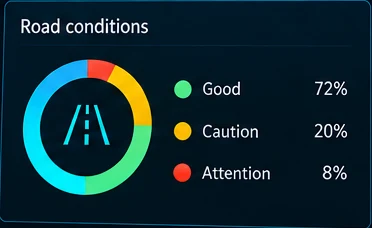
Event review
- Events arrive in the pending queue with type, camera and time.
- The operator opens the replay at the exact second.
- They confirm or dismiss, adding a note.
- A reviewed event cannot be re-reviewed silently; the decision is audited.
The daily 06:00 briefing
- At 06:00 local time the scheduler queues yesterday’s report (only once).
- The job builds sections from stored records and lists missing data.
- Readers receive an in-app notification.
- Open, export PDF/CSV, retry a failure or rerun as a new revision.
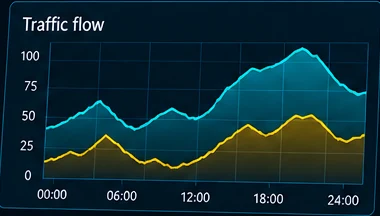
Publishing a public stream
- An admin opens the public portal and picks an approved view.
- They confirm privacy masking, audio removal and their authorization.
- They set a delay between 30 and 600 seconds.
- The public page plays the view only after the delay; any failed check keeps it closed.
- Revoke a single view or use the kill switch to stop all public output instantly.
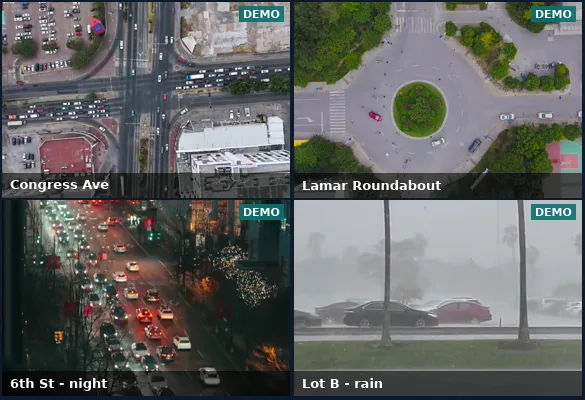
An authorized missing-person case review
- Only a case reviewer can open the workspace.
- They enter case number, purpose, time window (max 7 days) and cameras.
- Descriptors are non-biometric: clothing, carried items, vehicle type/colour. Biometric terms are rejected.
- The platform returns candidate clips; each is marked relevant or not by a person.
- Every view, decision and closure is audited.